Desktop app
ProxyDesk. One local address for your proxies.
Point any app on your machine at one SOCKS5 and HTTP address. ProxyDesk rotates across your proxies and brings dead ones back.
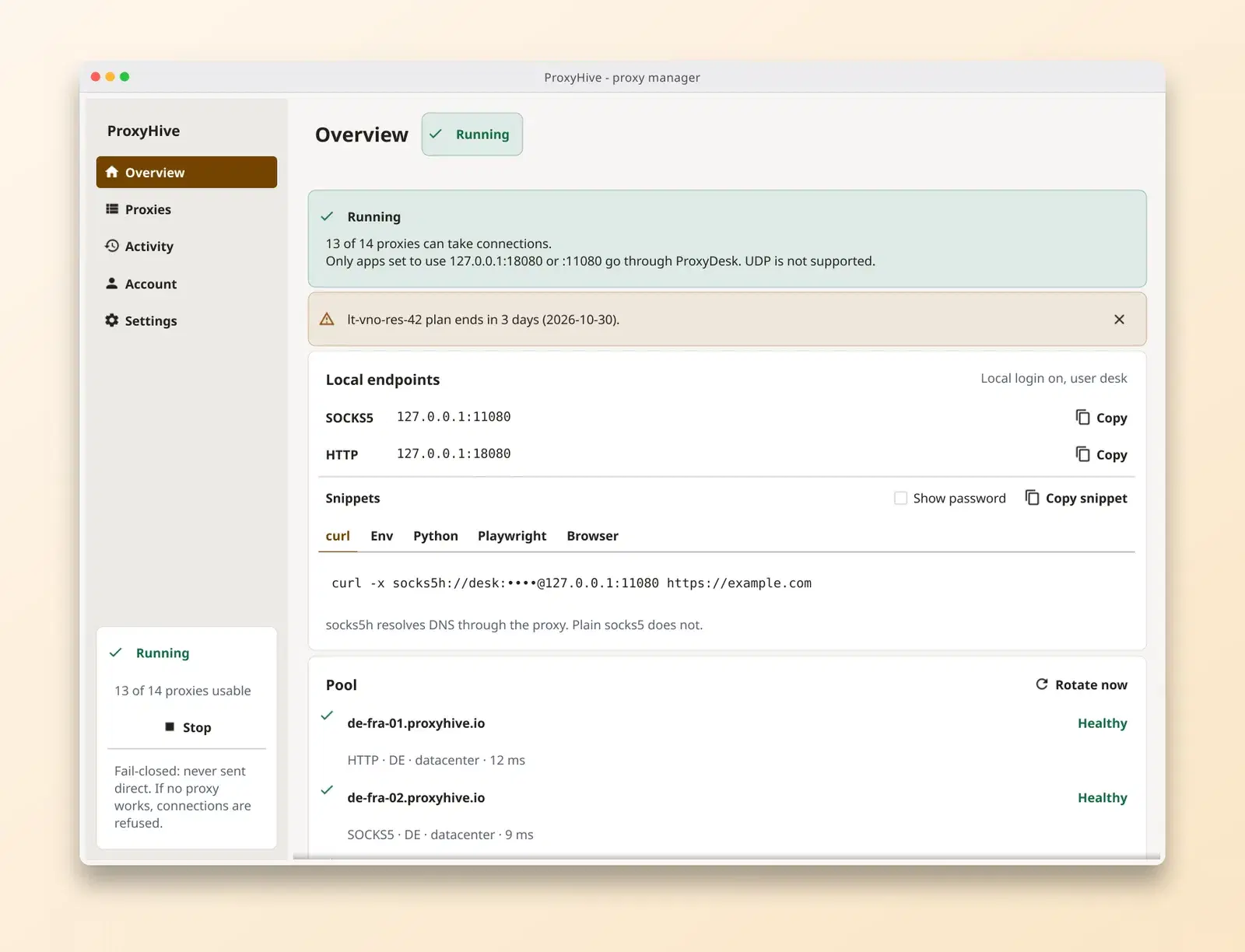
What it does today
One local address
Every app on the machine can use the same SOCKS5 and HTTP address. You change the proxy in the app once, not the list.
Rotation across your proxies
Requests are spread over the proxies you added. You do not write the rotation yourself.
Dead proxies recover on their own
A proxy that fails is taken out, tested again, and returned to rotation when it works.
Copy-paste setup
Snippets for curl, Python, Playwright and browsers, already filled in with your local address.
Import with a preview
Paste a list and see how each line was read before anything is added. Run a batch test and share the report.
Activity log you can export
See what went through the app and export it to CSV.
Light and dark
Each screen follows the same theme as your dashboard, in either mode.
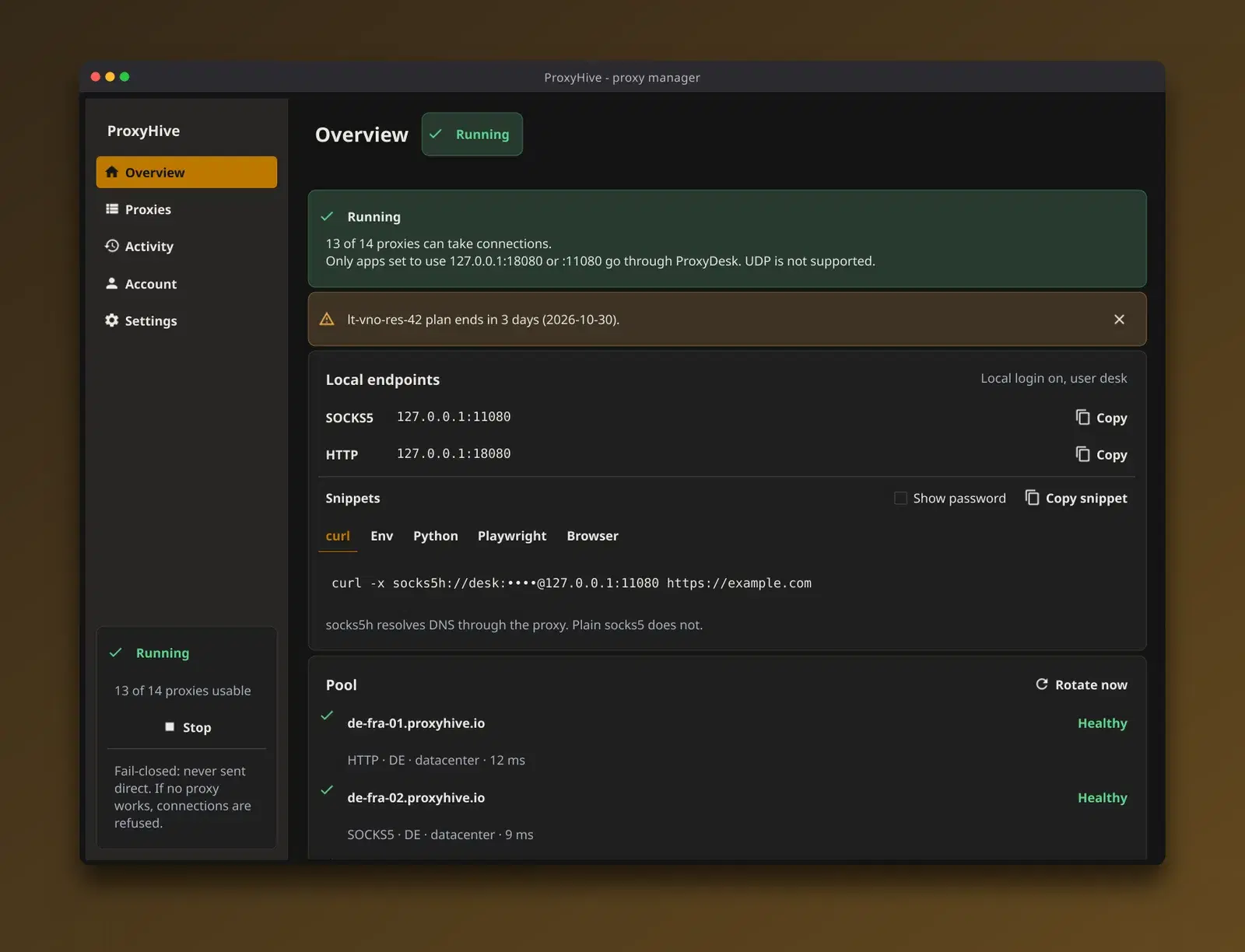
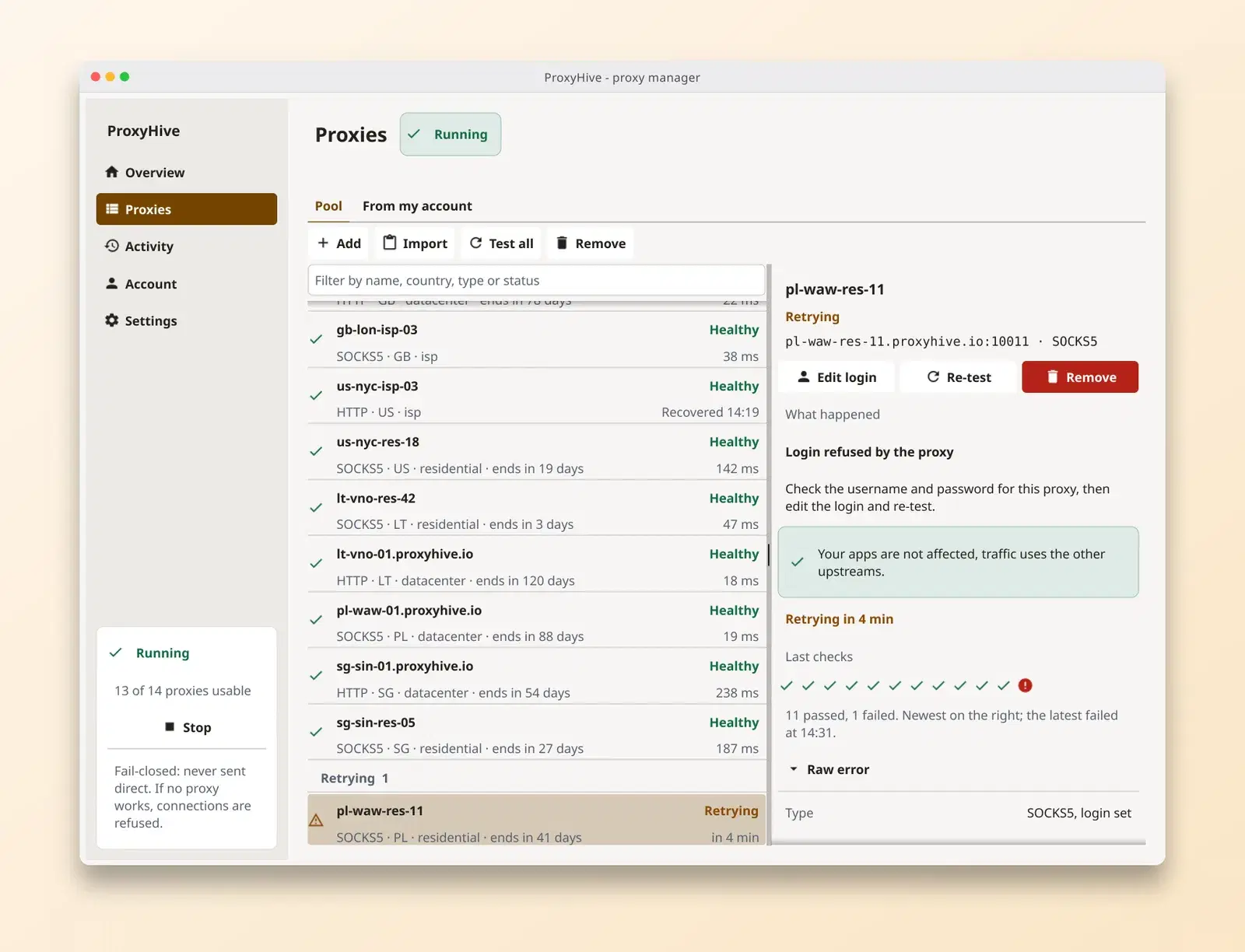
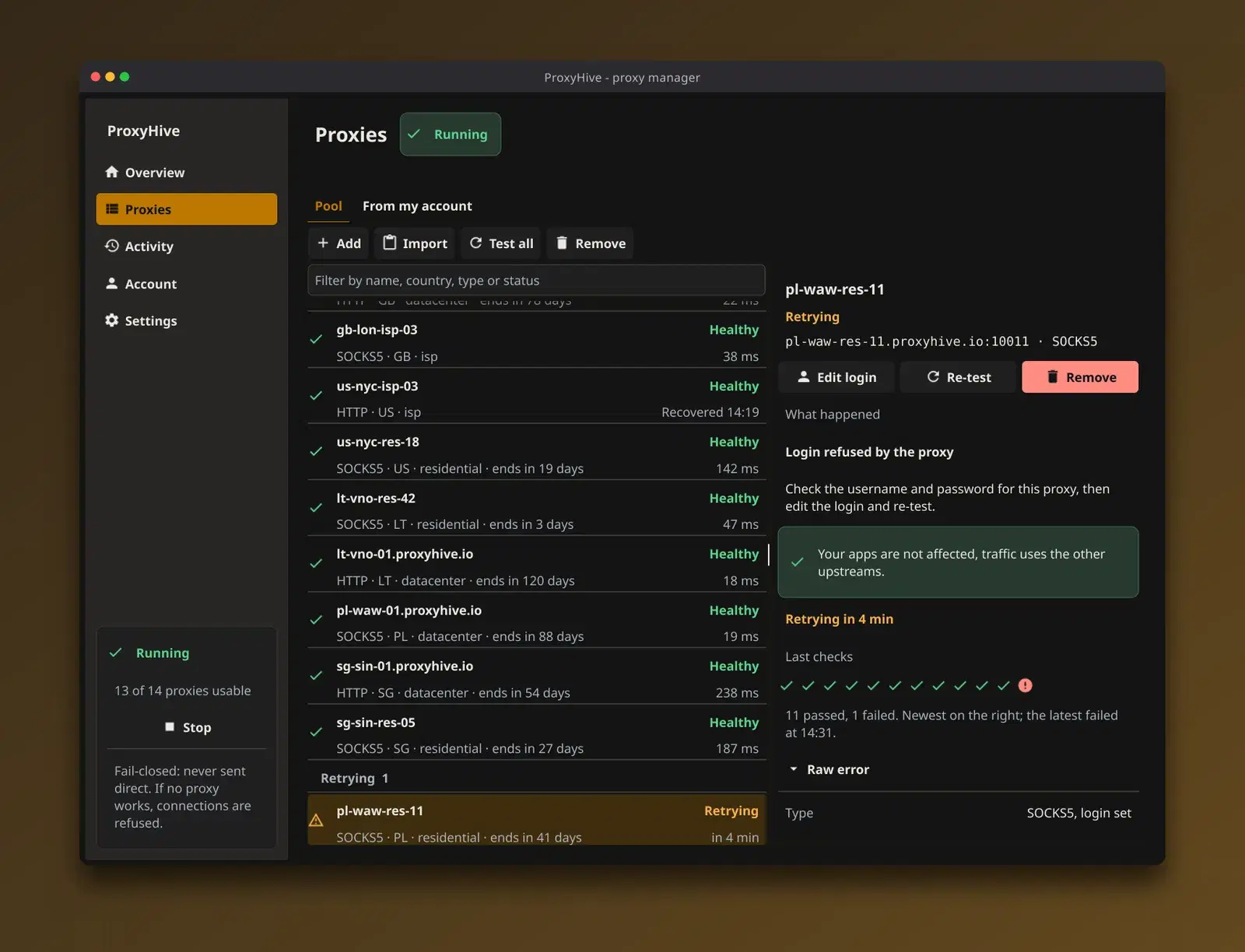
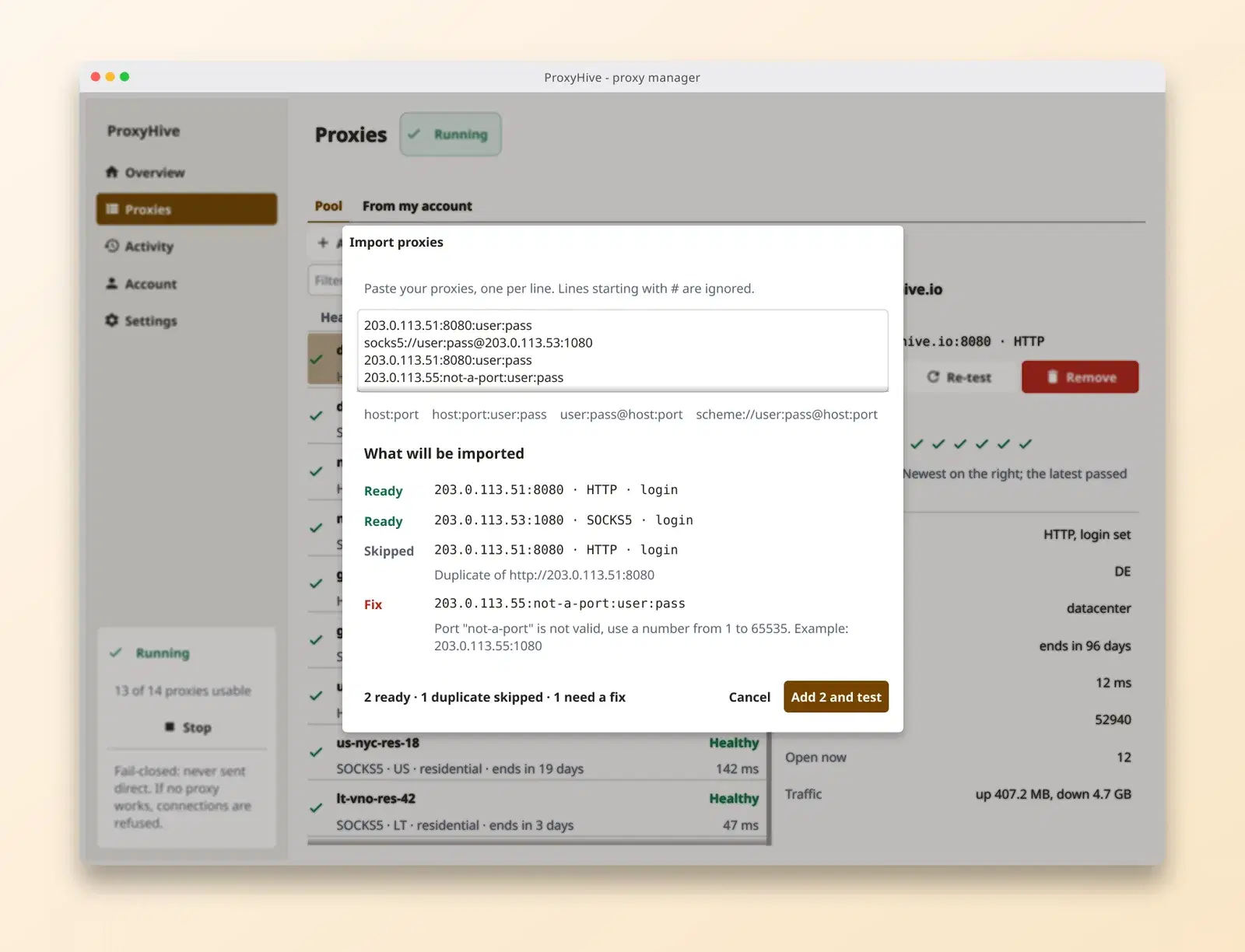
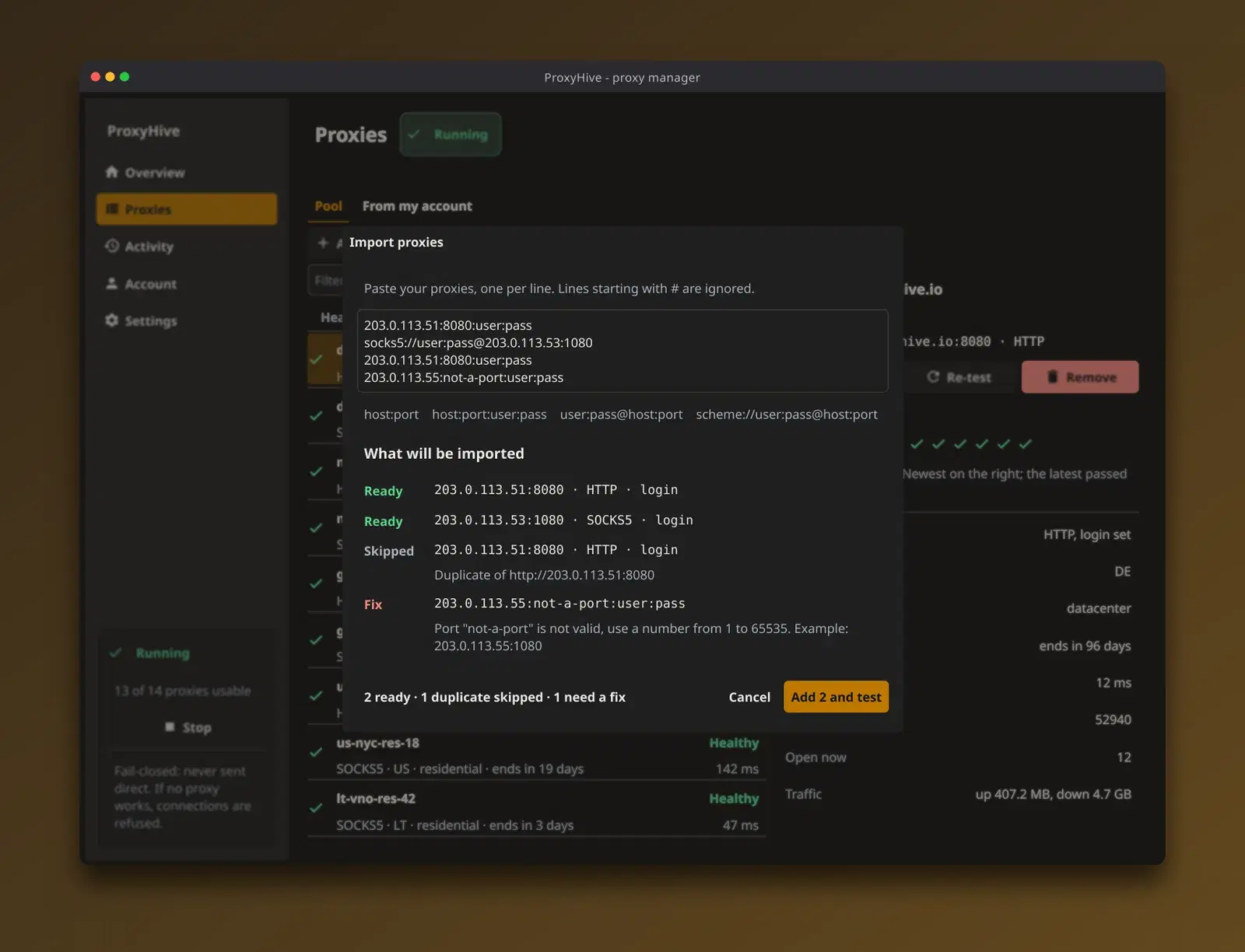
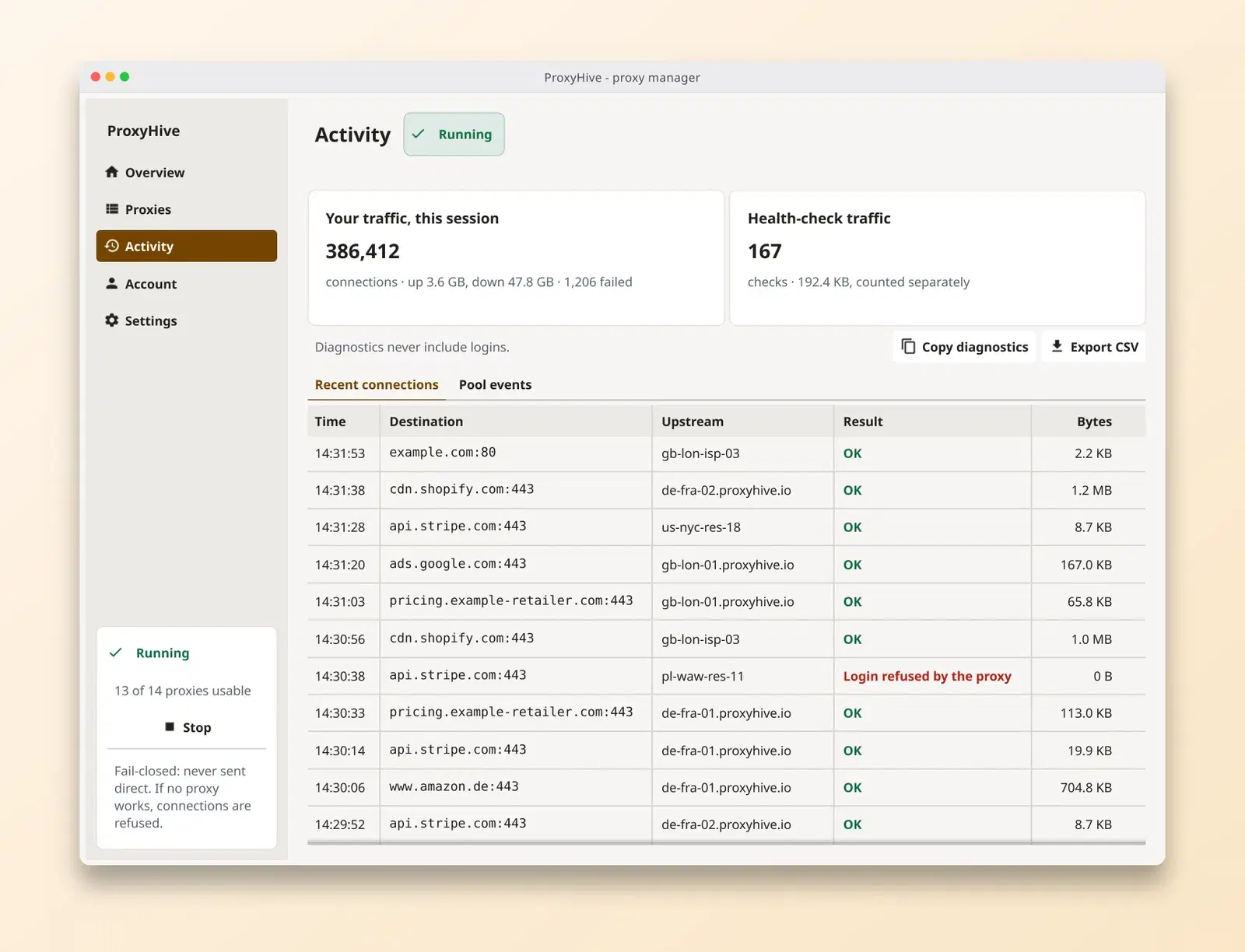
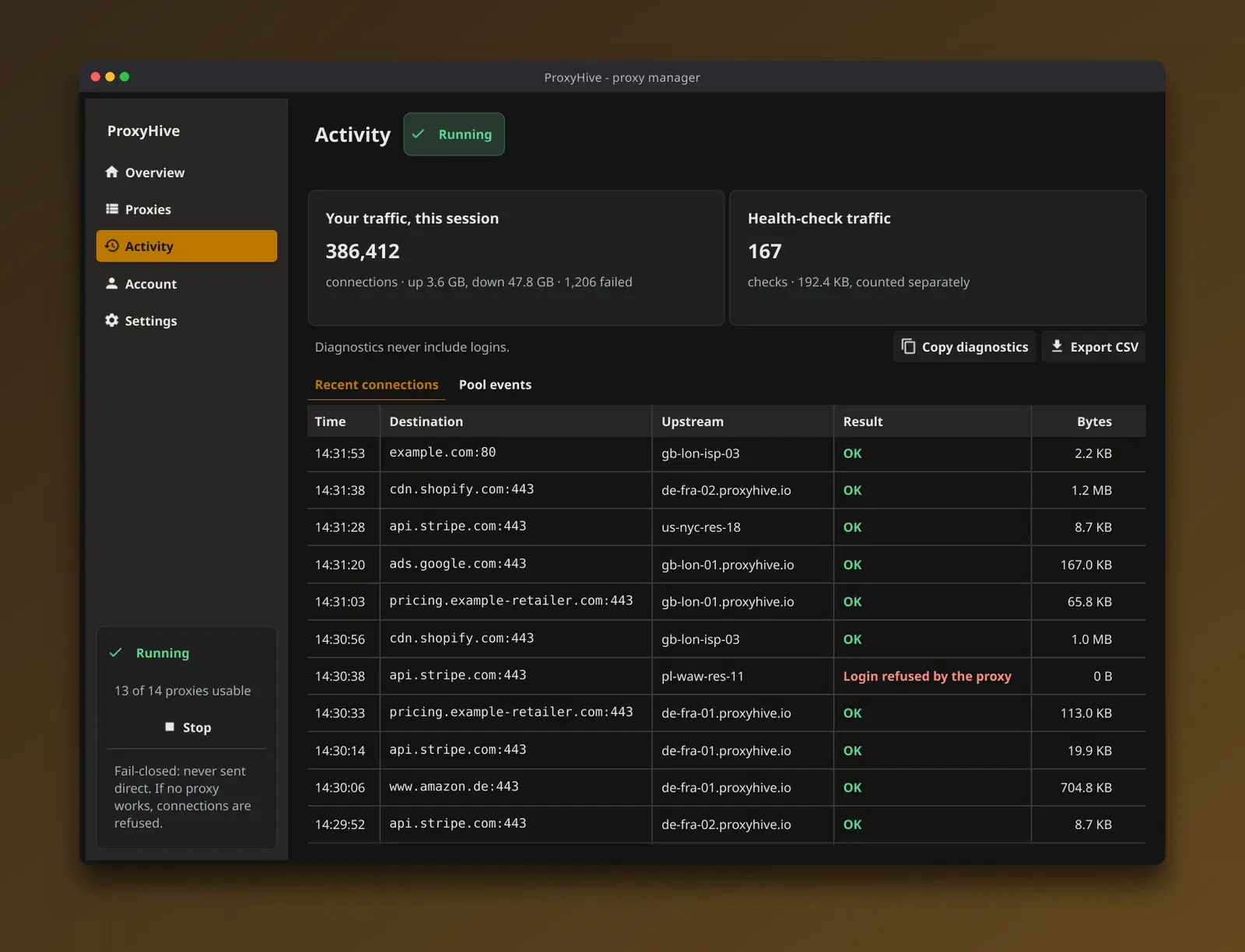
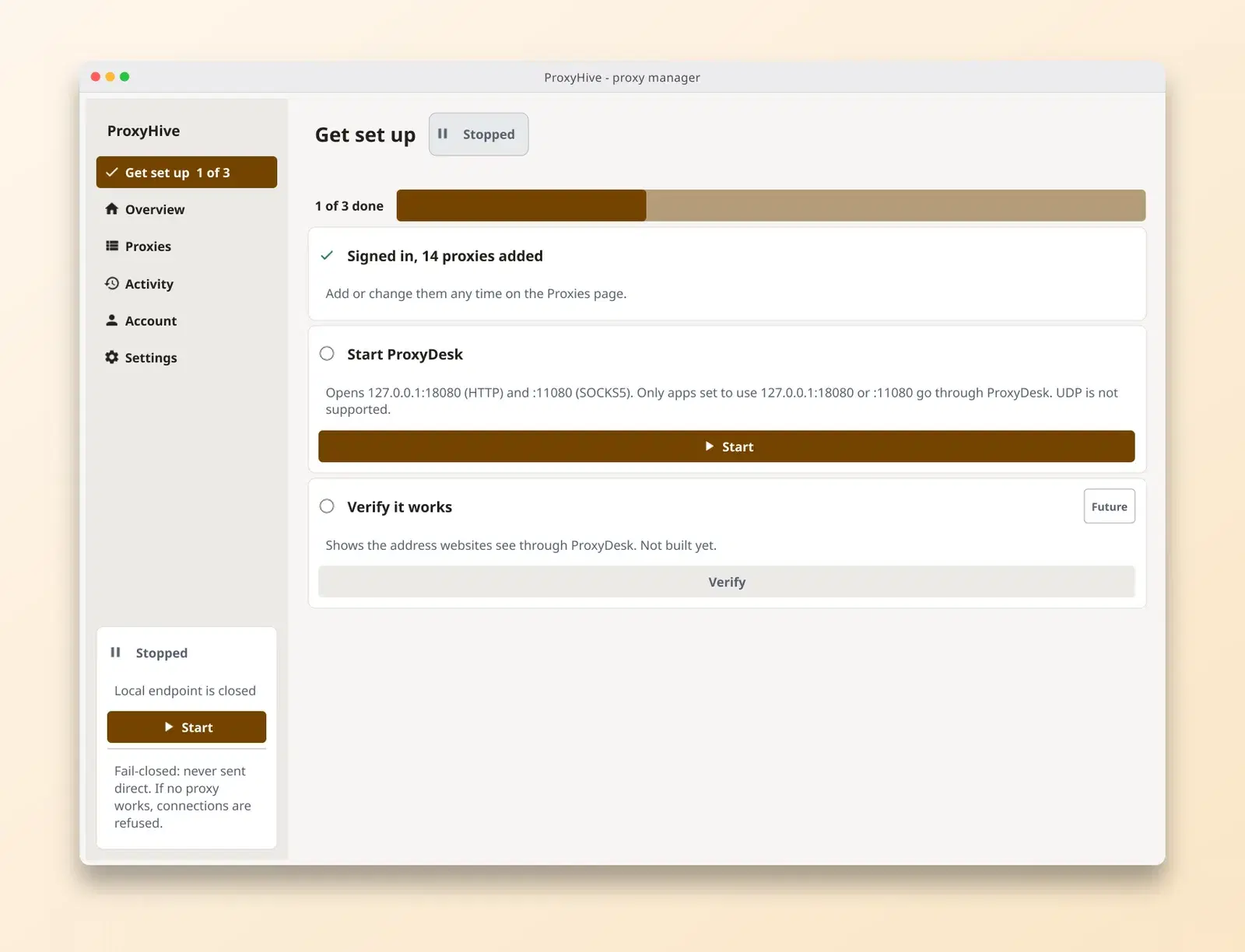
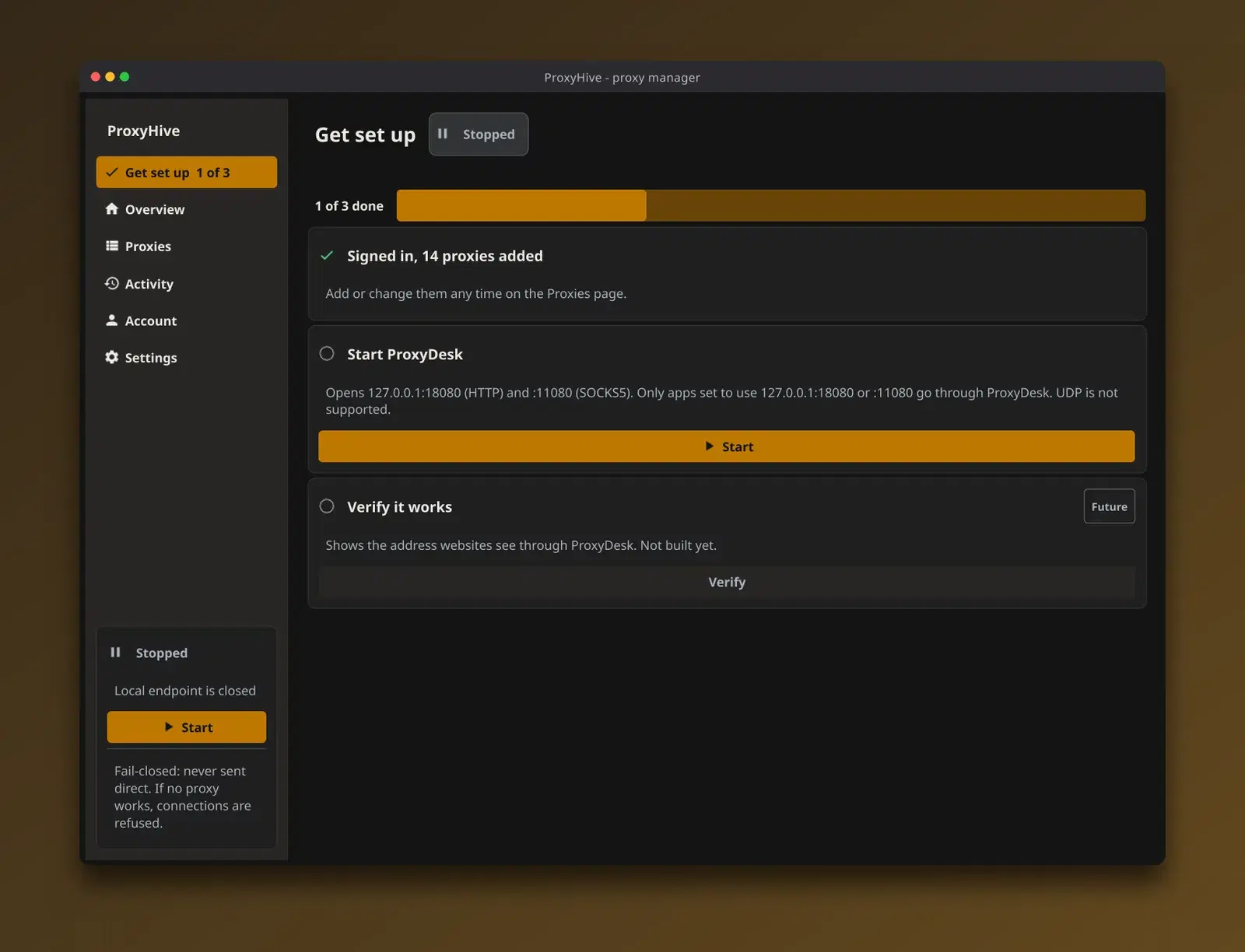
Sample data shown
How it works
01
Add your proxies or sign in
Paste a list, or sign in with your ProxyHive account.
02
Start
ProxyDesk opens one local address for SOCKS5 and HTTP.
03
Point your apps at it
Paste the address into any app that supports a proxy, or copy a snippet.
04
We handle the rest
ProxyDesk rotates across your proxies and keeps dead ones out of the way.
Platforms
- Windows
- Linux
- macOS
ProxyDesk questions
Does it route all my traffic?
No. Only apps you point at the local address use it. Everything else on the machine connects as it does today.
Is traffic ever sent direct?
No. If no proxy is available, the request fails instead of going out on your own connection.
Does it support UDP?
No. The local address handles TCP through SOCKS5 and HTTP. UDP is not supported.
Will my system warn me when I install it?
Possibly. Windows may show an unsigned-app warning. The macOS build is not notarized yet, so open it with right-click, then Open. Both are expected today.
Where do I download it?
From the desktop app page in your dashboard, after you sign in. It lists the build for each platform.
Get ProxyDesk
Sign in to your ProxyHive dashboard and open the desktop app page to download the build for your platform.